io.github.coo1white/cool-workflow
Signed, cited, replayable workflows for Claude, Codex, Gemini, DeepSeek, and other agents.
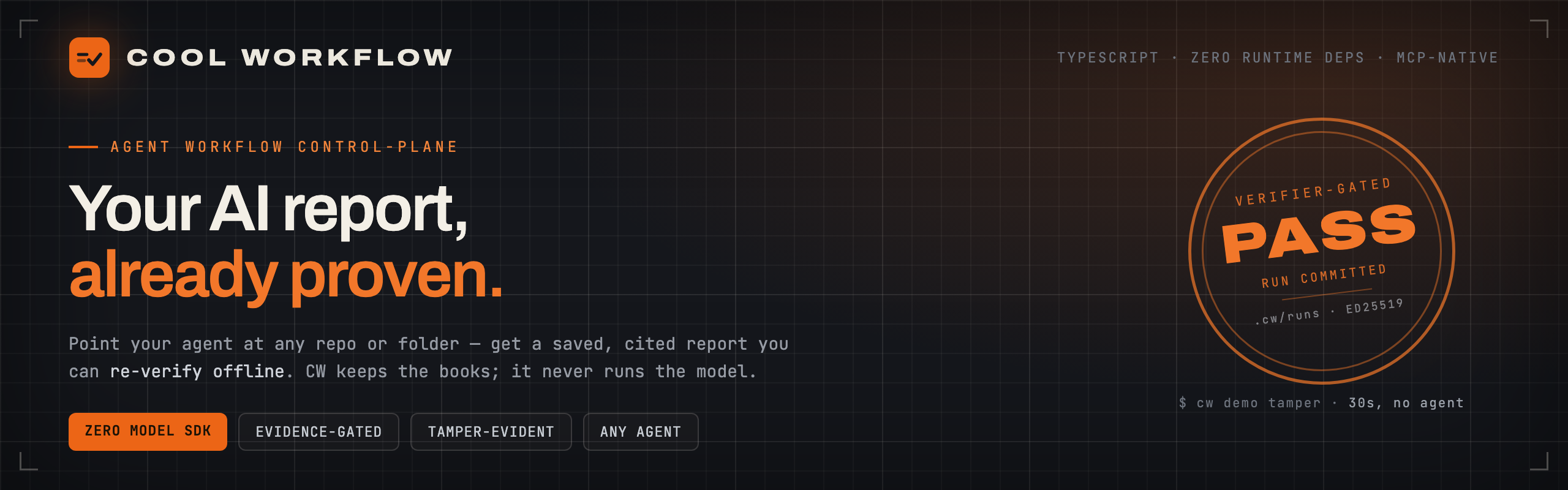
Get a saved report from your AI agent, with every claim tied to a line of code — not a chat answer you lose.






What is this?
Cool Workflow (cw) is a small command-line tool that turns your AI coding agent's chat answer — easy to lose, hard to check — into a saved report. Point it at a repo, or any folder of docs, and:
- It plans the work. Your question becomes a set of small tasks.
- Your agent does the work. CW never runs a model itself — your own agent reads and thinks.
- It writes a checked report. Every claim points to a real place in your code, like
file.ts:42. A result with no evidence stops instead of passing through.
The model is fuel. CW is the black-box recorder, the dashboard, and the gearbox — never the engine. It never calls a model API, never holds your keys, and never uploads your code.
Install
npm install -g cool-workflow
Or install with Homebrew
brew tap coo1white/cool-workflow https://github.com/coo1white/cool-workflow
brew install coo1white/cool-workflow/cool-workflow
cw version
Upgrade later with brew update && brew upgrade cool-workflow.
You need: Node.js v18 or newer. No agent yet? Step 1 below still works — CW never runs a model itself.
Works with your agent
| Agent | Flag | Status |
|---|---|---|
| Claude Code | -claude | ✅ works |
| Codex CLI | -codex | ✅ works |
| Muse Code | -muse | ✅ works |
| OpenCode | -opencode | ✅ works |
| Gemini | -gemini | ✅ through opencode |
| DeepSeek | -deepseek | ✅ through opencode or an HTTP endpoint |
| Cursor | — | ⬜ not yet |
| GitHub Copilot CLI | — | ⬜ not yet |
| Aider | — | ⬜ not yet |
| Qwen Code | — | ⬜ not yet |
| Kimi | — | ⬜ not yet |
Not sure what you have? cw doctor checks your setup and cw fix prints the commands that put it right.
Quick Start
1 · See it work — 30 seconds, no agent needed
cw demo tamper
# → builds a real signed ledger, forges it three ways, catches all three offline
# → VERDICT: tamper-evidence holds ✓
2 · Ask a question about your code — one command
cw -q "How does auth work end-to-end here?"
CW uses the current repo and the first agent it finds on your PATH. Want a specific agent? Add a flag from the table above, such as -claude.
3 · Open the report
The report opens in your browser by itself when the run ends. Later, open it again with:
cw report --open
Want to see one first? A real run's Workbench and report, rebuilt on every push: coo1white.github.io/cool-workflow (the report is at /report.html).
These three steps are the core path. Everything else is kept working, not grown.
Can You Trust the Report?
CW does not run the model — it keeps the books. Your agent signs its findings (ed25519), and cw report verify-bundle checks — offline, with only the public key — that every signed finding is in the report unaltered. CW holds no private key: the agent signs, CW only verifies. This proves the signed findings reached you unaltered — not that nothing else was added, and not that none were left out. See the Trust Model.
Troubleshooting
| Problem | Fix |
|---|---|
| No agent found | cw doctor — shows which agents are on your machine |
status: blocked | Set CW_AGENT_COMMAND=builtin:claude or pass -claude |
claude: command not found | Install Claude Code and run again |
| Where is my report? | <repo>/.cw/runs/<id>/report.md, or run cw report --open |
Missing required input: question | Add -q "<question>" |
| Run stopped before the end | cw --resume --run <id> takes it to the end (inside the project, or add --repo <path>) |
... is not a git project | Run it inside the project, or pass --repo |
Learn more
- User Guide — your first ten minutes
- Why Cool Workflow
- How it works
- What you can run
- From your editor
- Trust & Audit
- Repo Map
- Wiki home
CW dogfoods its own release: every cut runs release-cut against this repo.
License
BSD-2-Clause. Built by COOLWHITE LLC.
Installation
Source-derived launch command. Check the maintainer’s required arguments and credentials before running:
npx -y cool-workflowSet up in your AI client
Merge this template into ~/Library/Application Support/Claude/claude_desktop_config.json. Keep existing servers. Add any arguments, credentials, and permissions required by the maintainer; this template has not been install-tested.
{
  "mcpServers": {
    "io-github-coo1white-cool-workflow": {
      "command": "npx",
      "args": [
        "-y",
        "cool-workflow"
      ]
    }
  }
}
Restart Claude Desktop completely for changes to take effect. Confirm the server appears connected in the client’s tool list, then try a read-only example from its documentation.
Claude Desktop setup referencePackage
cool-workflownpmCompatible MCP Clients
io.github.coo1white/cool-workflow works with any MCP-compatible client. Copy the config snippet from the Configuration section above and add it to the file shown for your client, then restart the application.
- Claude Desktop
~/Library/Application Support/Claude/claude_desktop_config.jsonRestart Claude Desktop completely for changes to take effect. - Cursor
~/.cursor/mcp.jsonRestart Cursor for changes to take effect. - VS Code
.vscode/mcp.jsonReload VS Code window for changes to take effect. - Windsurf
~/.codeium/windsurf/mcp_config.jsonRestart Windsurf for changes to take effect. - Claude Code
.mcp.jsonSave at the project root, then start Claude Code in that project and review the MCP server approval prompt. Keep real credentials out of shared files.